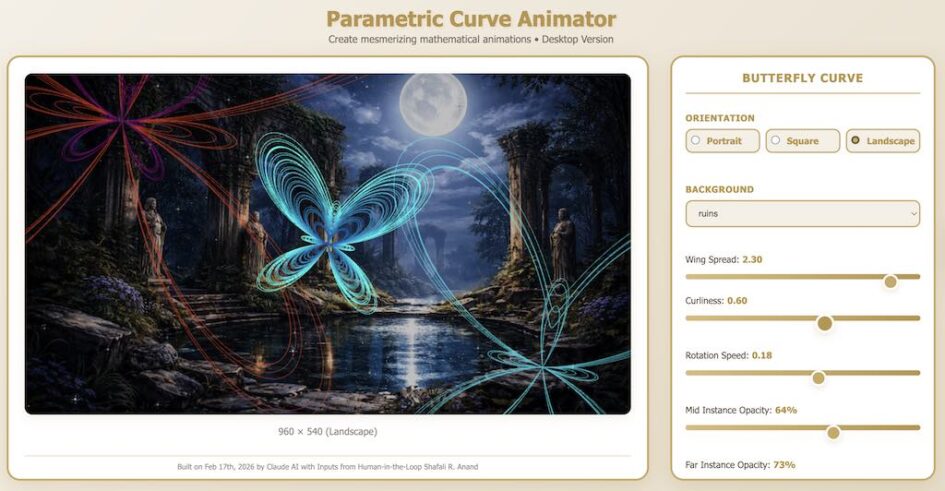
The day before yesterday, I got up late. With my early morning window of creativity blasted out of my schedule, I thought I should look at the news. Guess what? I came across a piece about Claude and the programming marvel it was turning into. So, I typed in Claude.ai, and started talking to it.
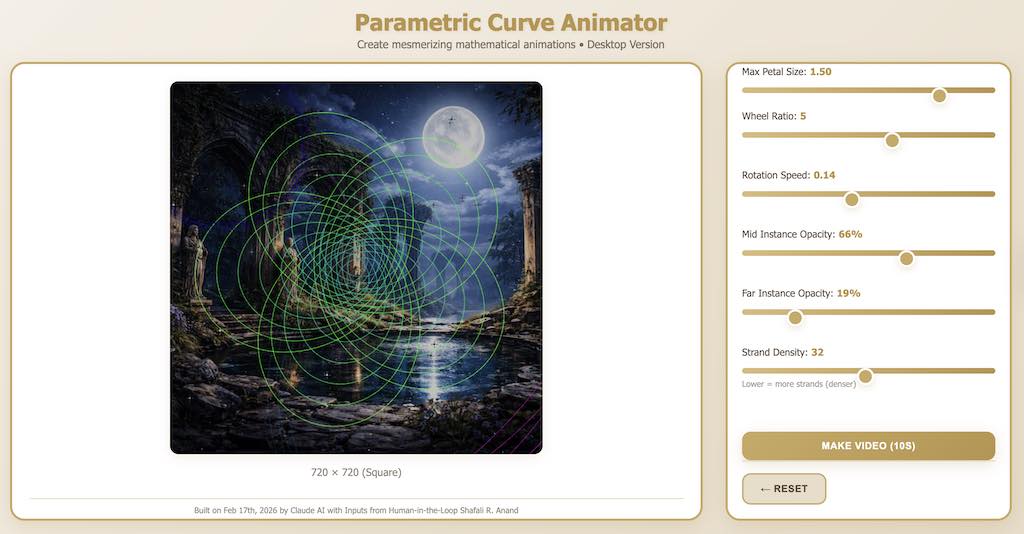
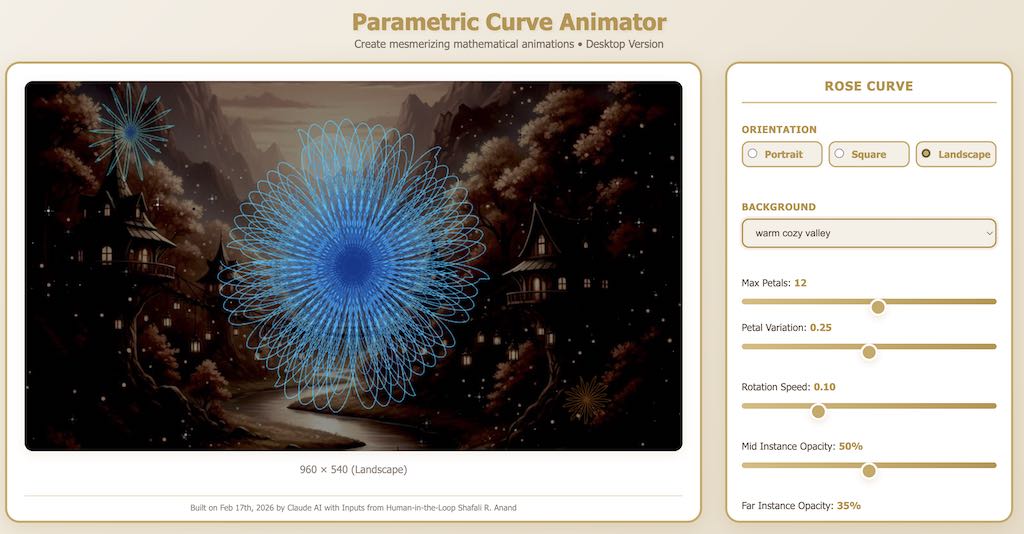
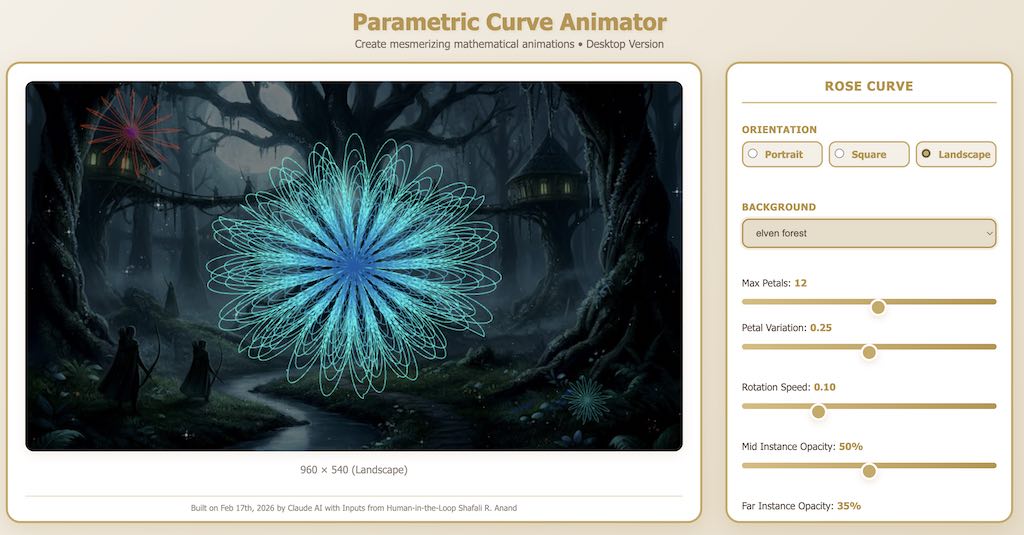
The Functionality of the Mathematical Curve Animator Web App (The Desktop version):
I prompted Claude to build a mathematical curve animator web-app that lets you do the following:
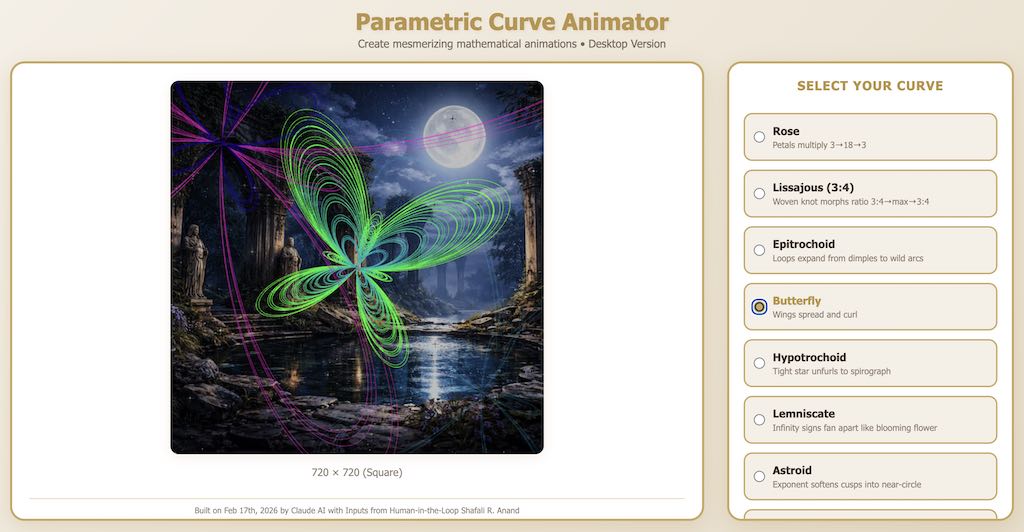
1. Select a curve from a list of 9 mathematical curves (including: Rose, Lissajous, Epi/Hypotrochoid, Butterfly, Lemniscate etc.)
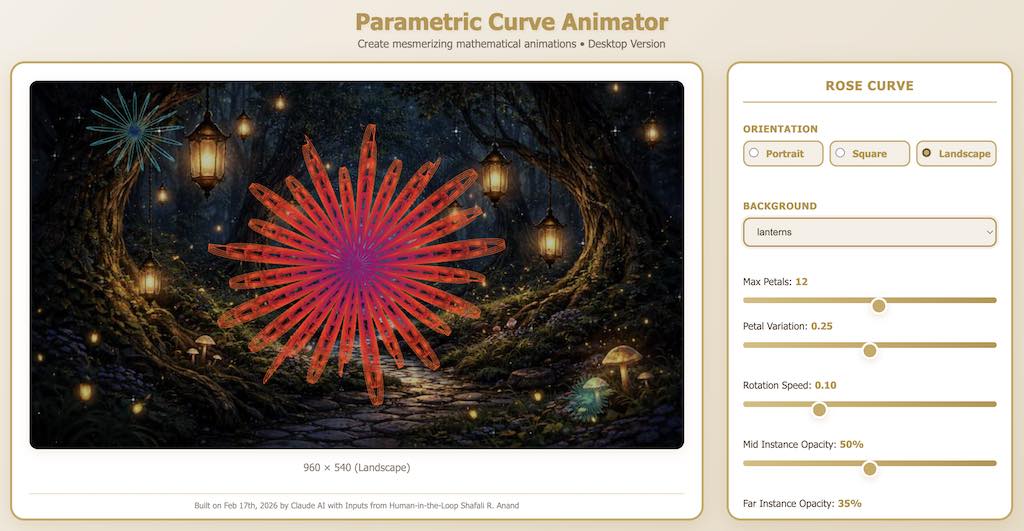
2. Manage curve-specific parameters for each of these curves.
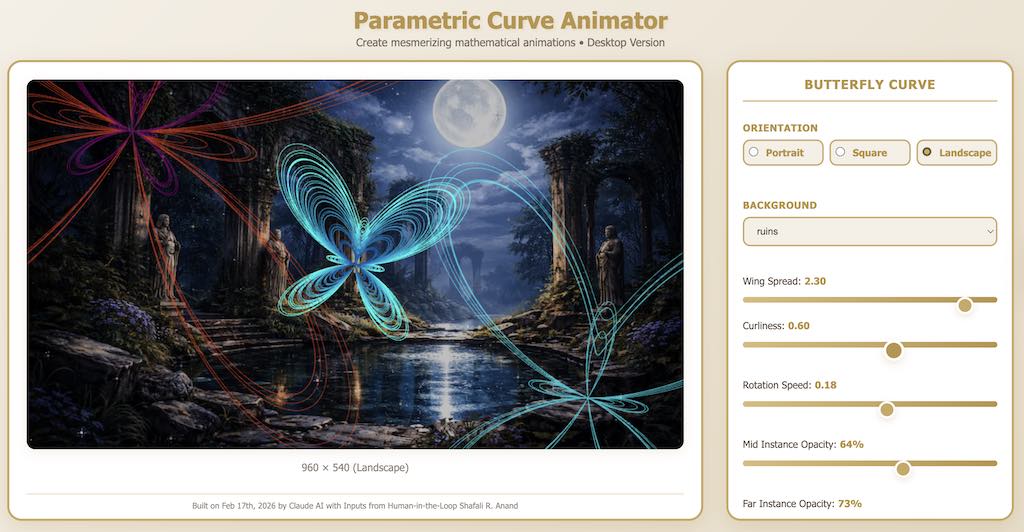
3. Select portrait/square/landscape layouts.
4. Select a background from a set of 8 images.
5. Generate the animation (color-cycling/sizing/rotation) of the selected curve along with its secondary and tertiary instances.
6. Export a 10-second video in webM format.
Took me about an hour to build and test. I know it’s not perfect (there’s a noticeable flicker.) But I am a non-programmer, and I worked with Claude the way I would with a human programmer. Except that I also had a chai-break while Claude didn’t. And yes, Claude wasn’t mad at me when I asked it for improvements/enhancements.
The Prompt-Process
I started by asking Claude what would be required to prepare an animation interface that would let the user animate mathematical curves.
- Then I asked it to share the names of some beautiful curves with me, and it did.
- Next, I told it that I’d like a desktop-only application with a preview window where I could see the curves and a toolbar, which would let me tweak the parameters, and if Claude could use the colors from my site (and I slipped in a color-swatch).
- We tried the Rose curve first. Then I asked it to build a two-tier interface, where the user first selects the curve from a list of 10 curves, and then animates the parameters for their selected curve; and it did it.
- Next, I told it that it’d be good if we built in the selection of portrait/landscape/square orientations and also put in a background image.
- Finally, we added the Export Video button (which works only for Chrome/Firefox due to technical constraints.)
I didn’t go back to get the mobile version done, so we have only the desktop version so far. I also didn’t specify what parameters it should animate…it did it all on its own.
Mathematical Curve Animator Web App Slideshow
The Philosophical Me & AI’s Programming Capabilities
And that makes me feel concerned – because less than a year ago, Claude wasn’t all this good. In fact, I’d have preferred to work with a human programmer back then, despite buggy code that would break every once in a while. The point isn’t “democratization” of creativity – because I know in my heart that if a human programmer worth his name looked at the code, they would figure out the cause of the flicker and probably suggest several methods to optimize the code. The point is – do we really need to automate everything? At the cost of jobs? Yes, dealing with programmers was a messy affair – but that mess was healthy. It was beautiful in a way only a human can understand.
What about the Pride of Human Endeavor?
Honestly? No. I feel zero pride because I didn’t build it. I claim no credit for it, except that I stood on the sidelines, prompting and cheering it on. Claude doesn’t feel pride because it can’t feel. Period. So what we lost in this process was human pride. The feeling of lightness, of happiness, of worthiness…I missed that feeling of being human.
That’s all there is to say.
Have fun with the Mathematical Curves Parameter Animator here.
Built Using: Claude Sonnet 4.5/Prompted by the author.
Graphics: Background Images: ChatGPT/Screenshots Captured by the author.
Written by: Shafali R. Anand





Leave a Reply